


iDS/iNS Series
Accessible pedestrian signals (APS)
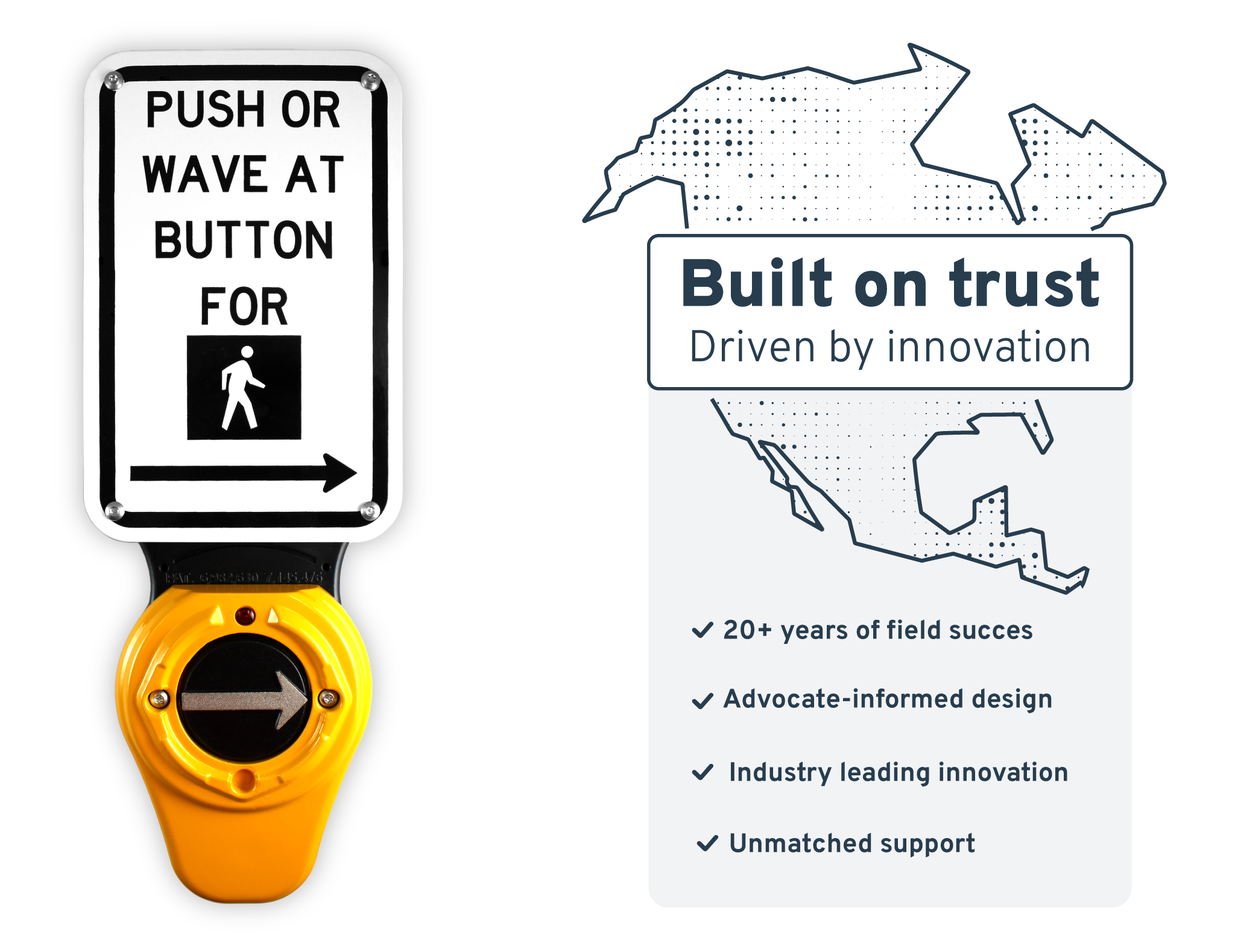
iDS/iNS Series
Accessible pedestrian signals (APS)
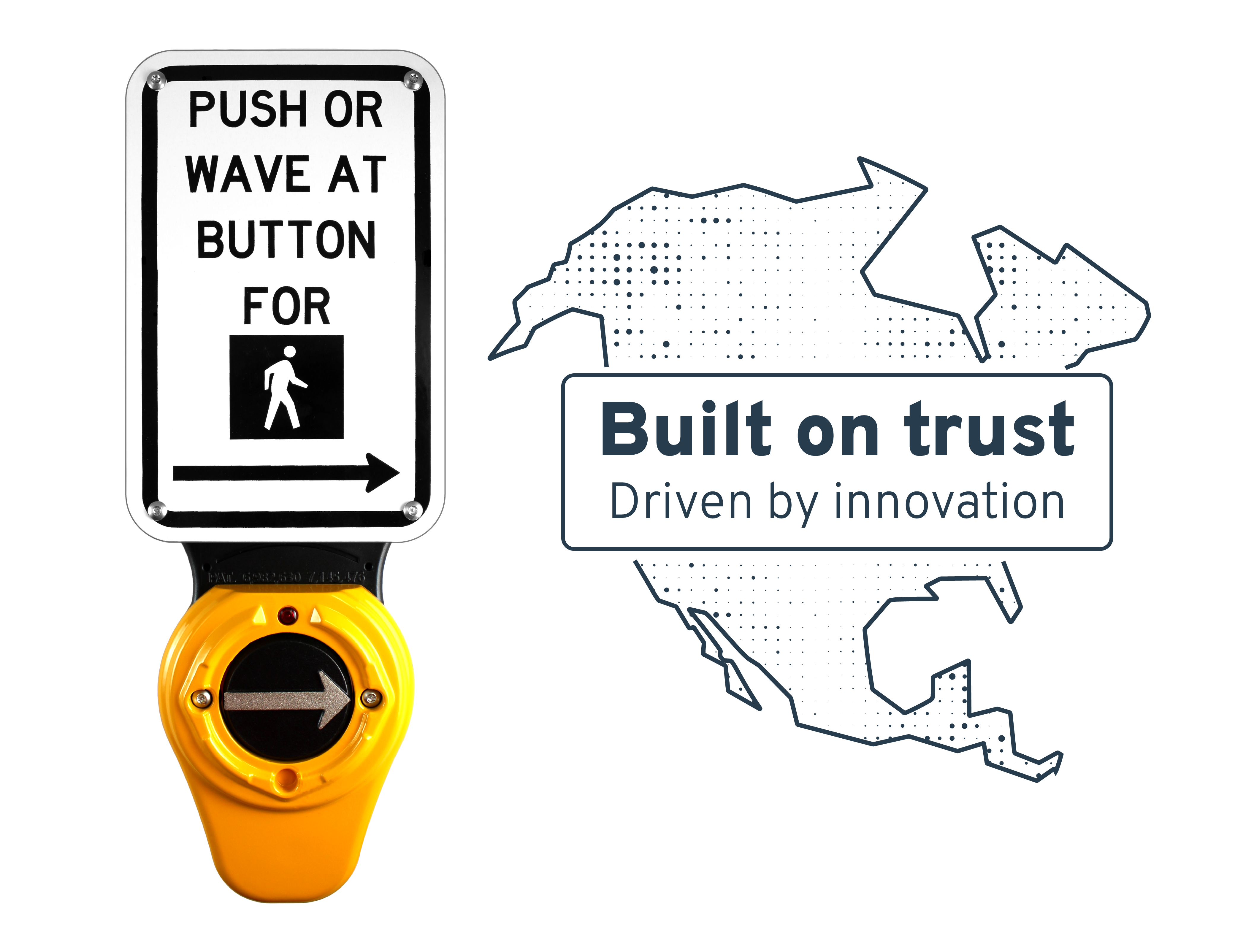
Plan for a compliant APS installation
Where should APS be installed? How should it be positioned? What do MUTCD and PROWAG require? Get practical resources for navigating compliance, placement, and application decisions.
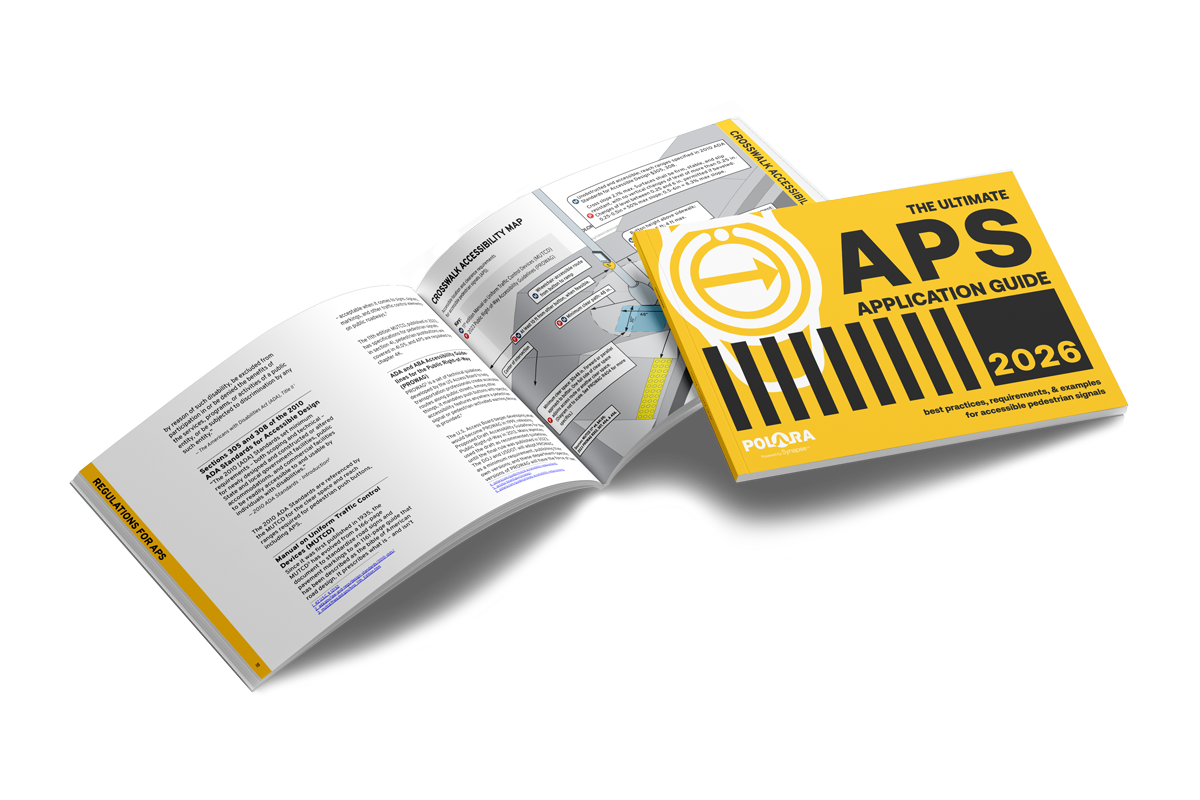
Plan for a compliant APS installation
Where should APS be installed? How should it be positioned? What do MUTCD and PROWAG require? Get practical resources for navigating compliance, placement, and application decisions.
Series Exclusive Features

Flexible installation across configurations
Installing on existing button wires or new cables, with a controller in the cabinet (2-wire) or in the signal head (3-wire), the iDS/iNS series are uniquely flexible to fit any intersection.
Simplified cabinet integration
(2-wire system)
Only with iDS/iNS agencies can deploy the all in one iCCU-S2 shelf mount controller, which combines power and communication and enables SDLC use in TS2 cabinets for a neater, safer install.
For agencies that prefer a card based architecture, the iCCU-C2 rack mount card delivers the same two wire field simplicity within Caltrans and 300 Series cabinets, using a separate cabinet power supply.

Custom audio, no added cost
Choose from Polara’s library of pre-recorded messages or request custom audio professionally recorded for free, ensuring clear, consistent communication at every intersection.
Smartphone access with PedApp
iDS/iNS is the only APS compatible with PedApp®, Polara’s free app that connects directly to APS buttons to provide audible intersection names, directions, Walk/Don’t Walk status, and countdown, giving pedestrians more independence and control

Remote firmware updates
Remotely manage firmware on iNS2 and iDS2 units with the free Polara Updater software, manually or on a schedule you set.
iDS/iNS SERIES EXCLUSIVE FEATURES
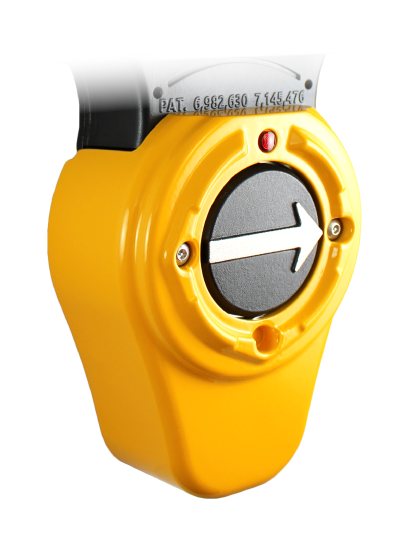
Flexible installation across configurations
Installing on existing button wires or new cables, with a controller in the cabinet (2-wire) or in the signal head (3-wire), the iDS series are uniquely flexible to fit any intersection.
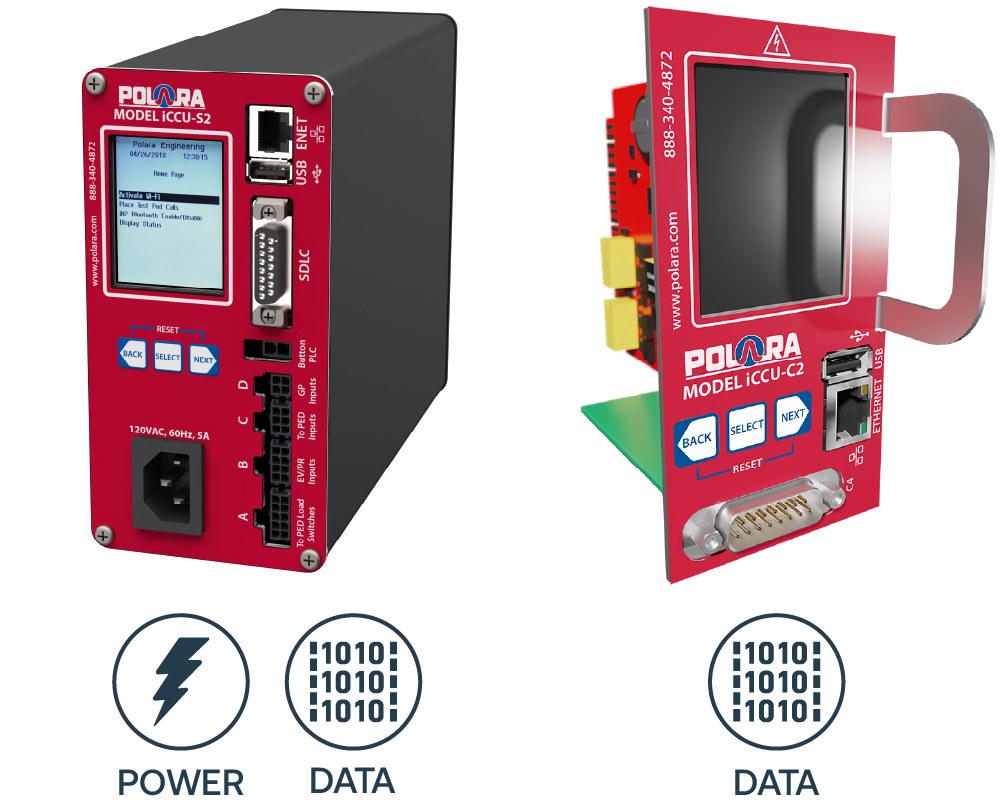
Simplified cabinet integration (2-wire system)
Only iDS/iNS agencies can deploy the all in one iCCU-S2 shelf mount controller, which combines power and communication and enables SDLC use in TS2 cabinets for a neater, safer install.
For agencies that prefer a card based architecture, the iCCU-C2 rack mount card delivers the same two wire field simplicity within Caltrans and 300 Series cabinets, using a separate cabinet power supply.

Custom audio, no added cost
Choose from Polara’s library of pre-recorded messages or request custom audio professionally recorded for free, ensuring clear, consistent communication at every intersection.
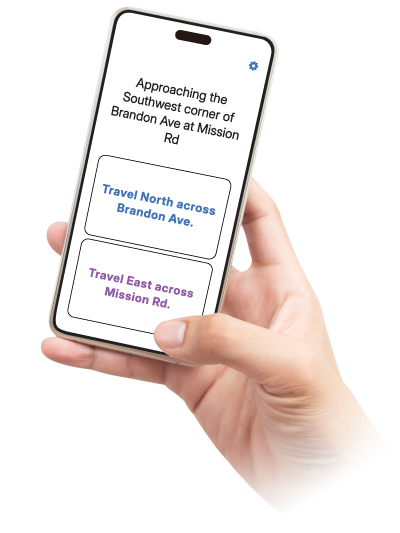
Smartphone access with PedApp
iDS/iNS is the only APS compatible with PedApp®, Polara’s free app that connects directly to APS buttons to provide audible intersection names, directions, Walk/Don’t Walk status, and countdown, giving pedestrians more independence and control.
Learn more about PedApp

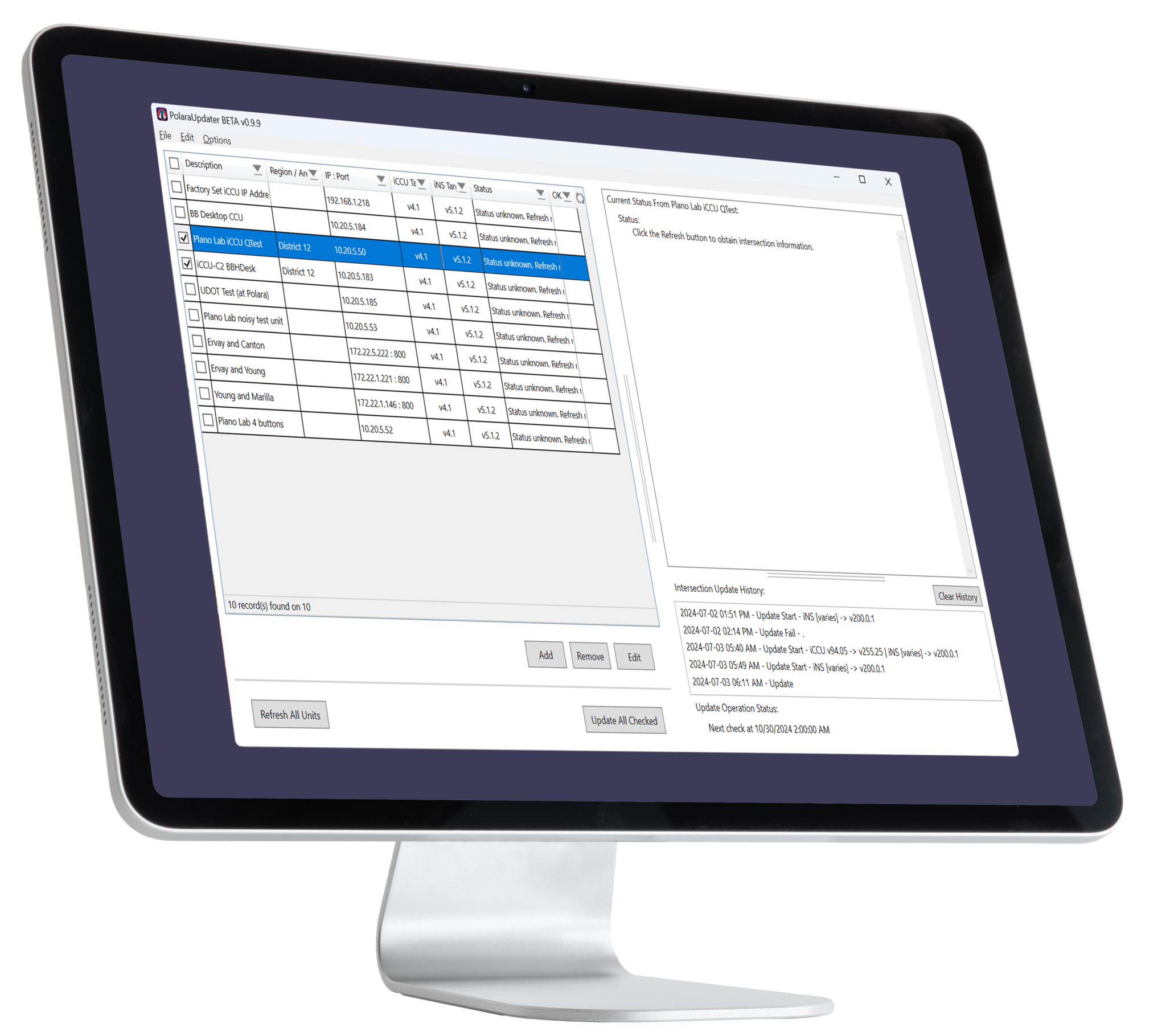
Remote firmware updates (2-wire system)
Remotely manage firmware on iNS2 and iDS2 units with the free Polara Updater software, manually or on a schedule you set.
Which model best fits your needs?
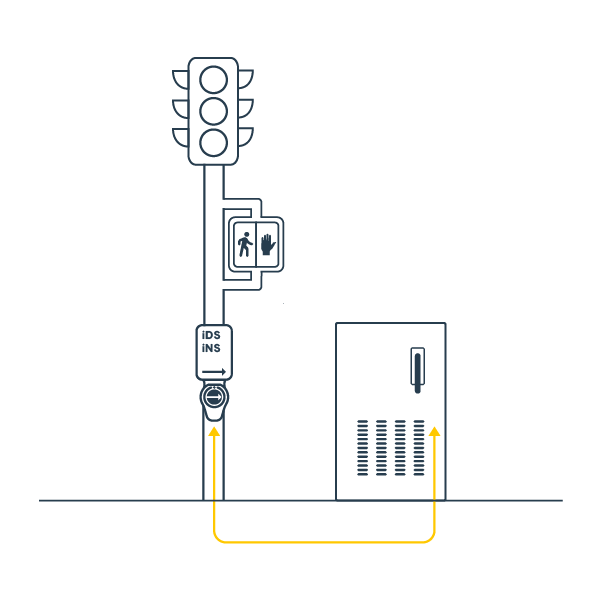
Choose 2-Wire if…
- The intersection is actuated: You need the push button to place a call to the traffic cabinet to initiate the pedestrian phase.
- You are retrofitting existing buttons: You want to use existing two-conductor wiring to reduce labor and material costs.
- You’re building a new intersection with cabinet access: 2-wire offers full features and simplifies centralized control.
- Smart City connectivity is required: Support for remote monitoring, health alerts, and firmware updates.
- Preemption is or may become required: Supports emergency vehicle, rail, and transit priority systems.
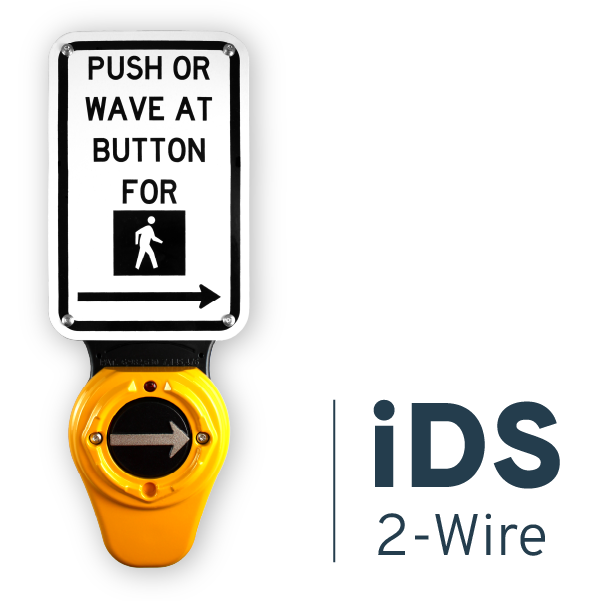
- You want stocking flexibility: iDS/iNS 2-wire models also support 3-wire control with ped-head units.
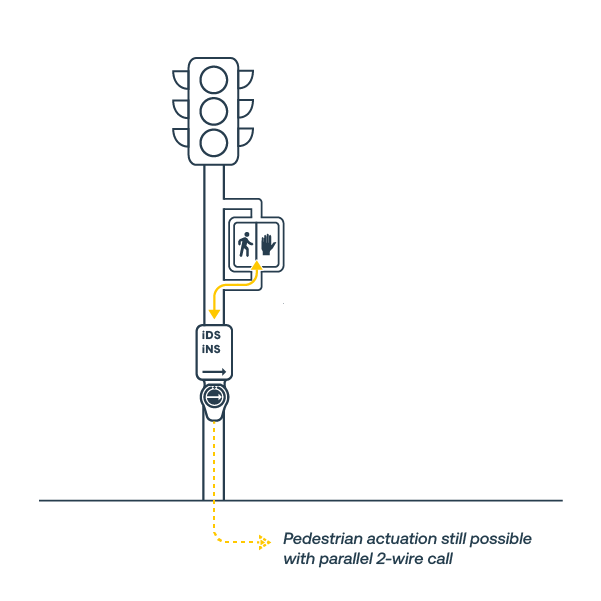
Choose 3-Wire if…
- The intersection is pre-timed: You don’t need actuation (the “Walk” comes up automatically), just accessibility features.
- You want actuation without adding a cabinet control unit: A 3-wire APS can provide accessibility features while a parallel 2-wire line handles actuation to the cabinet..
- Conduits are damaged or at capacity: You need a solution that “piggybacks” off the pedestrian signal head for power and timing to avoid running new home-run cables.
- You have a limited number of crossings: You are only adding APS to 1–3 specific crossings and don’t need a full cabinet-based system.

Copyright © Polara Enterprises, LLC. All rights reserved.
iDetect® is a registered trademark owned by Polara Enterprises, LLC.
The Bluetooth® word mark and logos are registered trademarks owned by Bluetooth SIG, Inc. and any use of such marks by Polara Enterprises, LLC is under license. iOS® is a registered trademark owned by Cisco Systems, Inc. licensed to Apple Inc. Android is a trademark owned by Google LLC. Other trademarks and trade names are those of their respective owners.